-
Quick Answer
Ski rental software reduces checkout lines during peak season through seven
operational changes: (1) digital waivers signed before arrival, (2) online booking with equipment
pre-selection, (3) automated pre-arrival reminders that reduce late and unprepared customers, (4)
pre-pulled equipment organized by booking, (5) real-time inventory visibility so staff find items
instantly, (6) demand-based staff scheduling aligned to booking data, and (7) a dedicated express
lane for pre-registered customers. Together these changes shift the majority of check-in work away
from the counter and into the time before customers arrive.
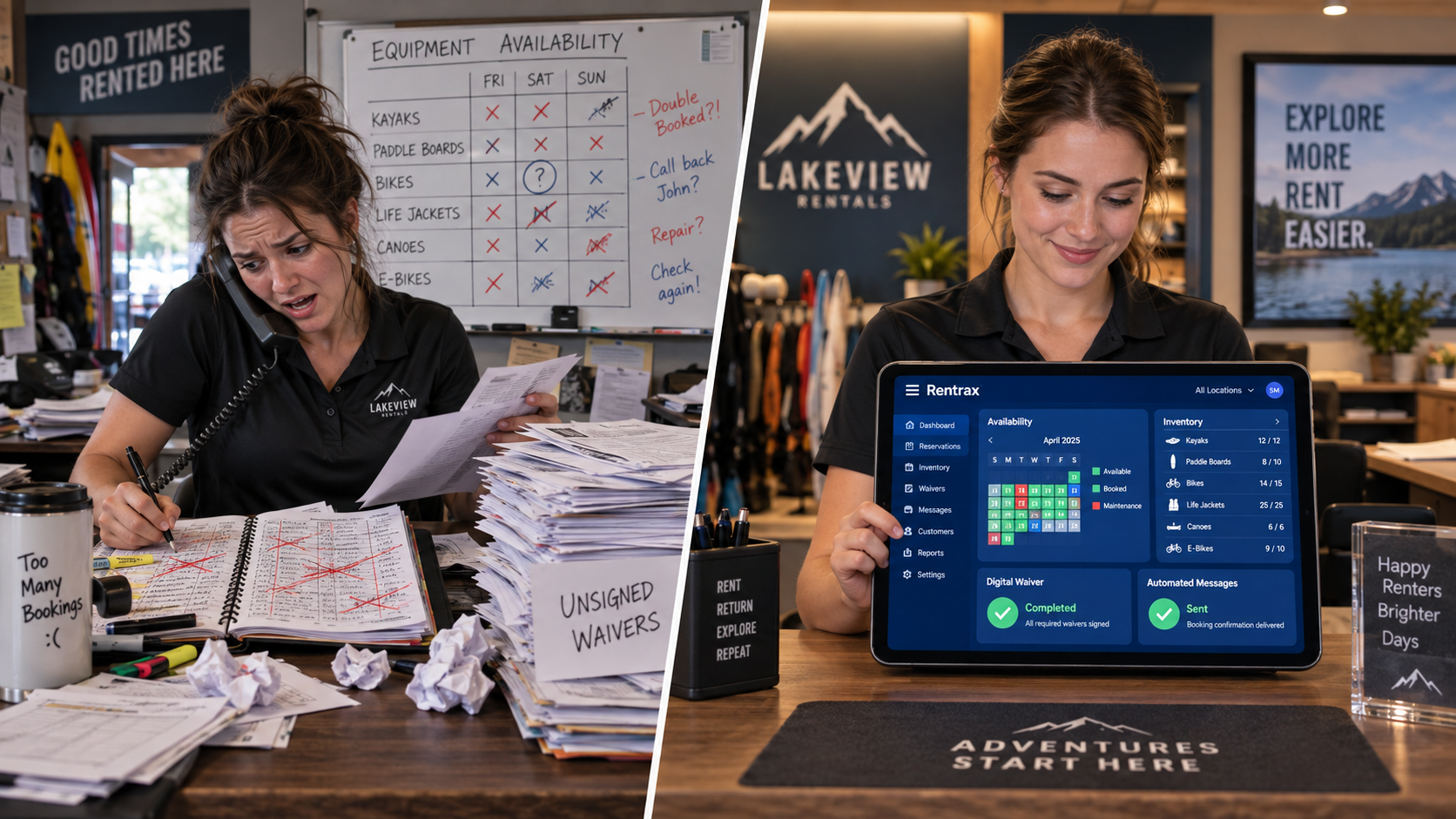
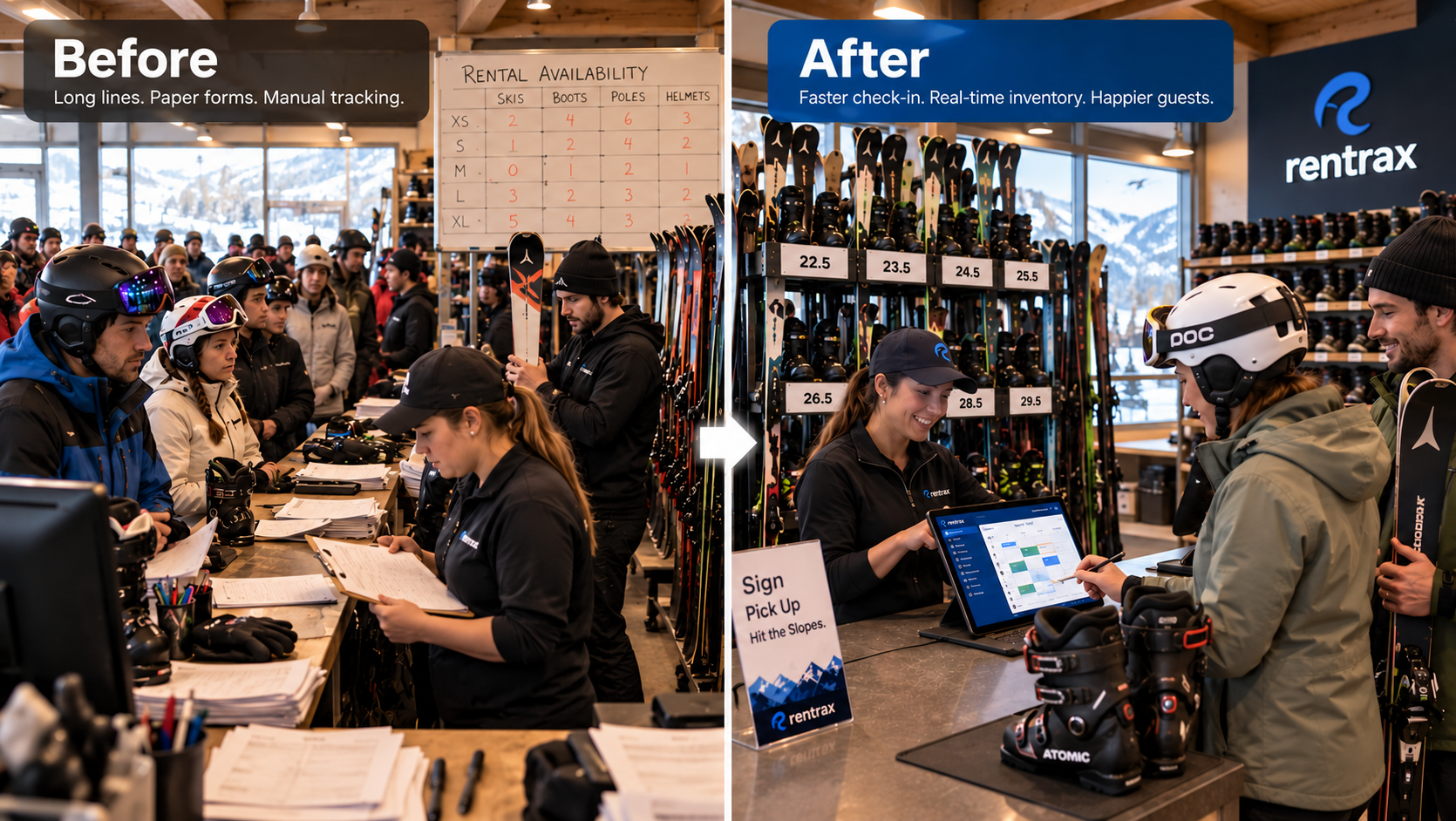
On a busy Saturday in peak season, a ski rental counter can face 60 to 80 customers in the first two hours of the morning. When each customer spends five to eight minutes at the counter completing paperwork, selecting equipment, and processing payment, the math works against you fast. Lines form before 9am and the frustration that builds in that line shapes the experience before your customers even get on the mountain.
According to the National Ski Areas Association, customer experience at the rental counter is one of the most cited friction points in ski resort visitor satisfaction surveys. The good news is that most of the delay is not caused by the volume of customers — it is caused by processes that have not been updated. Consequently, the right ski rental software moves the work off the counter entirely.
This guide covers seven concrete changes that ski rental operators make — most of them requiring nothing more than activating features in their management software — that cut average checkout time by more than half during the busiest part of the season.
Why Ski Rental Checkout Lines Get So Long
Ski rental checkout lines get long during peak season because the majority of check-in tasks — collecting signed waivers, sizing and selecting equipment, and processing payment — are performed at the counter at the moment the customer arrives, rather than completed digitally in advance. Ski rental software with online booking, pre-arrival waivers, and equipment pre-selection shifts these tasks away from the counter and into the booking window, reducing counter time to a handoff of pre-pulled, pre-fitted equipment.
Most ski rental checkout delays trace back to the same root cause: everything that needs to happen before a customer walks out with equipment is scheduled to happen at the worst possible moment — when they are standing at your counter with 40 other people behind them.
- Paper waivers and rental agreements filled out by hand at the counter
- Boot size and equipment preference conversations that could have been captured at booking
- Payment processing that has not been pre-authorized
- Staff searching for the right equipment size because inventory is not pre-organized by booking
- Customers arriving unprepared — wrong shoe size noted, forgot a credit card, no confirmation number — because no pre-arrival communication was sent
Each of these adds two to four minutes per customer. On a 70-customer morning that is hours of aggregate counter time that could have happened the night before. Furthermore, none of these delays require more staff to fix — they require a different workflow.
7 Ways Ski Rental Software Reduces Checkout Lines
Tip 1: Switch to Digital Waivers Signed Before Arrival
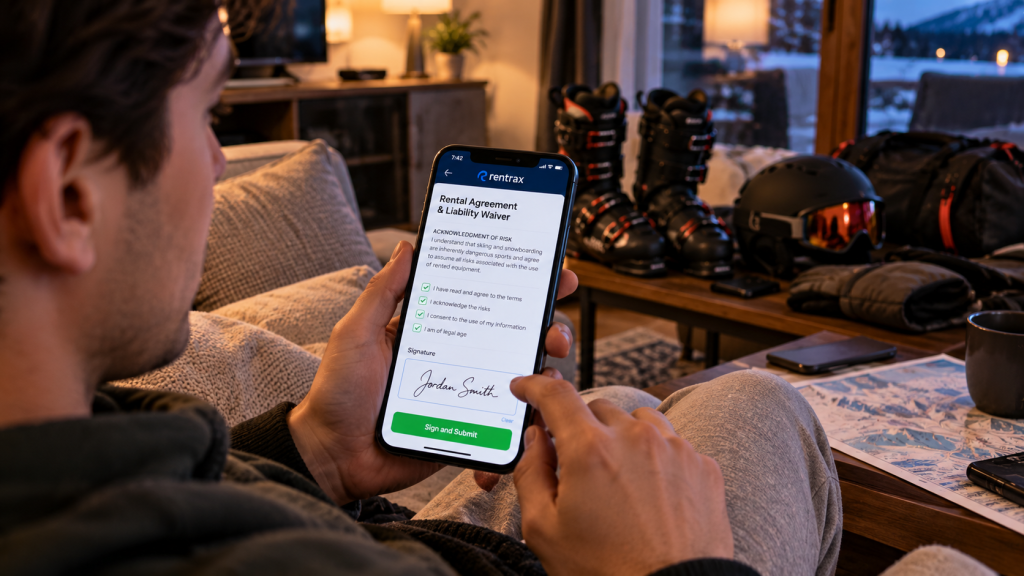
Digital waivers in ski rental software let customers review and sign rental agreements, liability waivers, and equipment disclaimers on their phone or computer before they arrive at the shop — eliminating the single biggest source of counter delay, which is waiting for customers to read and sign paper documents while standing in line.
Paper waivers are the most consistently cited source of counter delays in ski rental operations. A customer who has never seen your liability waiver before needs time to read it. When that reading happens at the counter, every person behind them waits.
Digital waiver software sends customers a link at the time of booking. They open it on their phone, review the agreement at home the night before, sign electronically, and arrive with their documentation already on file. When they reach your counter, the waiver step is already done. Rentrax e-waiver handles this with remote signing built into the booking confirmation — no third-party tool, no separate link to send, no manual follow-up. Signed documents attach automatically to the customer profile and booking record.
Tip 2: Enable Online Booking with Equipment Pre-Selection
Online booking with equipment pre-selection in ski rental software captures boot size, skill level, height, weight, and equipment type at the time of booking rather than at the counter — giving staff the information they need to pull and prepare gear before the customer arrives, so the counter interaction becomes a fitting check and handoff rather than a discovery conversation.
When a customer arrives at your counter and your staff asks ‘What size boot do you take?’, that conversation is already too late. The boot needs to be on the shelf waiting, not being pulled while the customer stands there.
Ski rental software with online booking captures all fitting details — boot size, height, weight, skill level, equipment type preference — during the booking flow. Staff see a booking sheet each morning organized by pickup time that tells them exactly what to pull for each customer. By the time the first customer walks through the door, their equipment is already on the counter with their name on it. Counter time drops from five minutes to under ninety seconds.
Tip 3: Send Automated Pre-Arrival Reminders
Automated pre-arrival reminders from ski rental software reduce checkout line length by ensuring customers arrive prepared — with their confirmation number, correct boot size, completed waiver, and pre-authorized payment — rather than discovering they are missing information at the counter and holding up the line while staff resolve it.
An unprepared customer at a busy counter is a multiplier problem. The two minutes it takes to look up a reservation that was booked under a different name, or re-collect a payment method that was declined, or resend a waiver link because the customer never received it — that two minutes is felt by every person in the line behind them.
Automated email and SMS sequences prevent these situations at the source. Send a booking confirmation immediately after purchase. Send a reminder the evening before with a link to the waiver, their confirmation number, and a prompt to confirm their boot size. Send a morning-of message with your address, parking instructions, and pickup time. Specifically, each message pulls the correct details from the booking record automatically — no manual drafting required. As a result, customers who walk through your door are informed, prepared, and move through the counter in a fraction of the time.
Tip 4: Pre-Pull and Organize Equipment by Booking the Night Before
Pre-pulling ski rental equipment by booking — using the booking data captured at reservation time to organize gear by pickup time slot the evening before opening — eliminates the in-counter equipment search that adds two to four minutes per customer during peak morning rush and turns the counter interaction into a fitting confirmation and handoff.
If your staff is walking to the rack to find a size 10 ski boot while a customer waits, your checkout process has a structural inefficiency that no amount of additional staff can fully solve. The search-per-customer model breaks down completely when volume is highest.
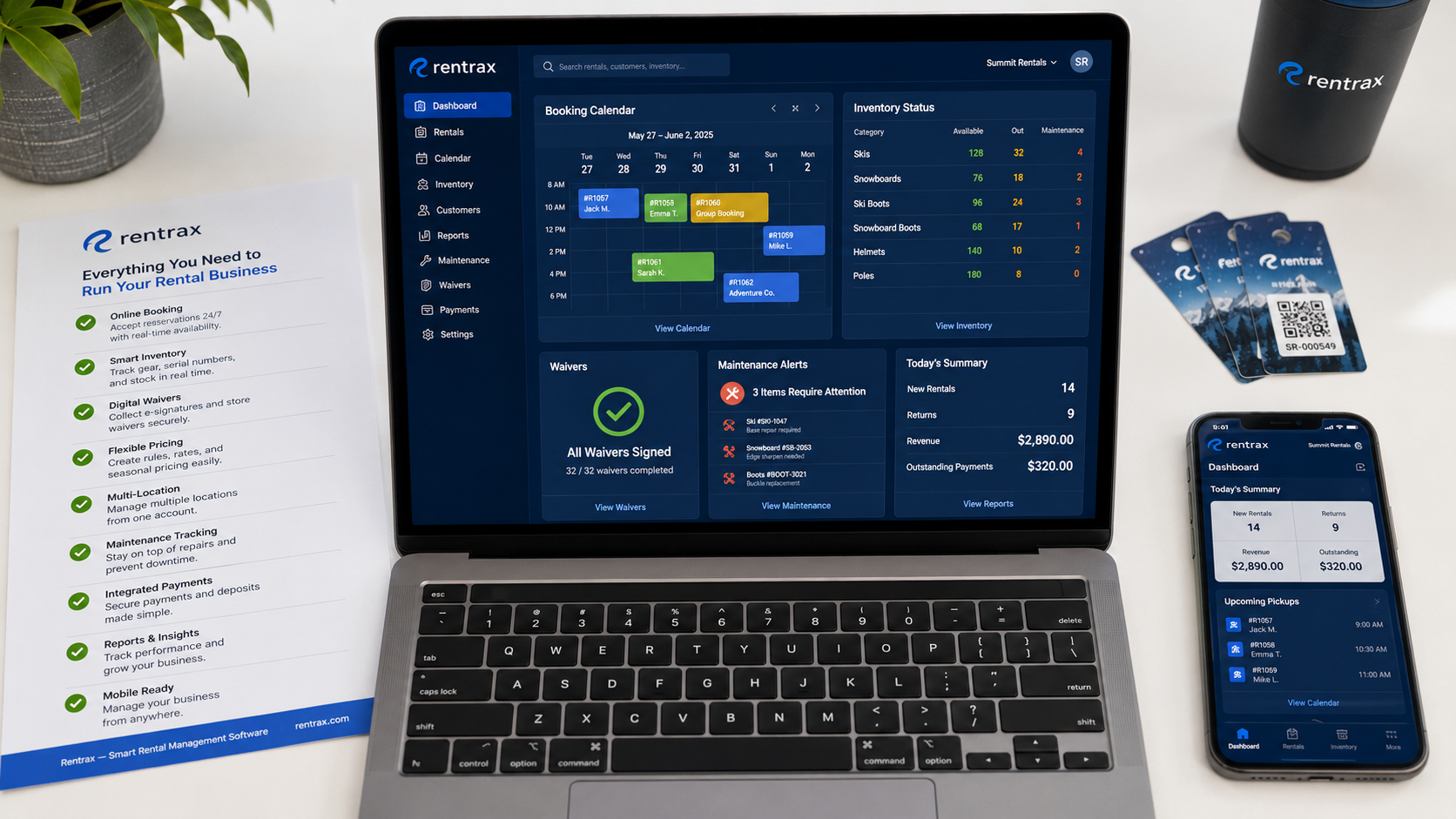
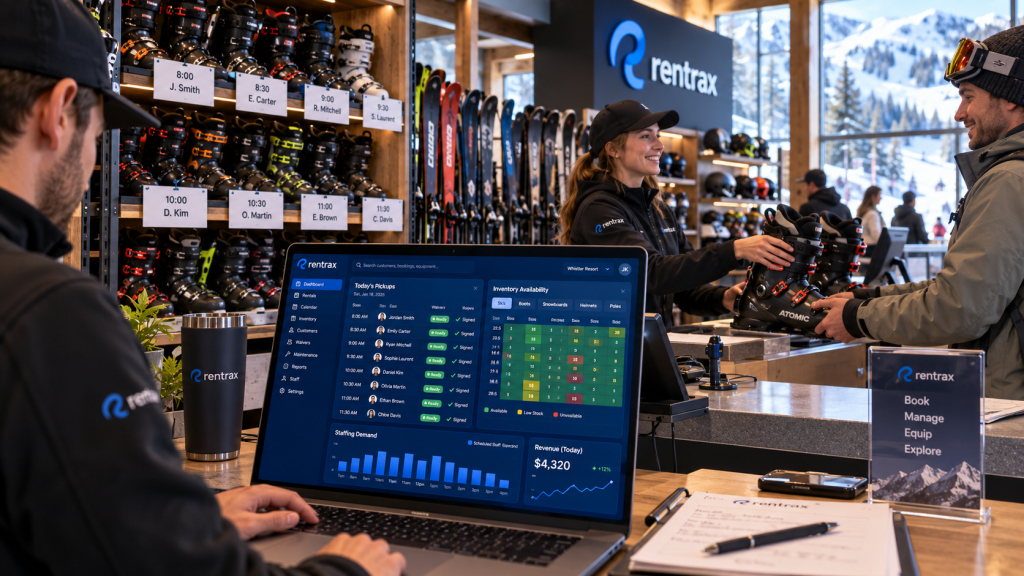
With booking data captured at reservation time, your team can run a morning equipment pull the evening before or first thing at opening. Each customer’s gear — boots, skis or snowboard, poles, helmet — is pulled, tagged with their name and pickup time, and organized by time slot. Rentrax inventory management gives staff a clear view of what each booking needs and which items are available, so the pull list is generated from the booking data directly. Counter staff become handoff specialists rather than equipment searchers.
Tip 5: Use Real-Time Inventory Visibility to Eliminate Mid-Counter Searches
Real-time inventory visibility in ski rental software shows staff the exact location and availability status of every item in the fleet — including items currently rented, items in maintenance, and items available by size and category — so that when a pre-pulled item turns out to be the wrong size or unavailable, staff can find the next available option in seconds rather than walking the floor while the customer waits.
Even with equipment pre-pulled, adjustments happen at the counter. A customer’s boot size feels wrong once they try it. An item tagged for their booking was found to need maintenance this morning. When staff have no system to consult, they walk the floor to find a substitute — and the line waits.
A live inventory dashboard on a tablet or computer at the counter changes this completely. Staff can see every available item by size and category in real time, locate it instantly, and confirm a substitute without leaving the counter position. Moreover, when an item is returned, it appears as available in the system immediately — so the afternoon rush gets the same real-time accuracy as the morning.
Tip 6: Schedule Staff Based on Booking Demand Data, Not Guesswork
Ski rental software with reporting and booking data lets managers schedule the right number of staff at the right times during peak season by showing exactly when reservations are concentrated — so counter staffing is aligned to actual expected demand rather than estimated based on last season’s memory, preventing the under-staffing that turns a manageable rush into an hour-long line.
The most common cause of understaffing during peak periods is not a lack of available staff — it is a lack of data to schedule them correctly. Managers estimate based on last year, or general sense of ‘Saturdays are busy’, and end up with three people at the counter during the 8-10am rush that actually needed five.
Booking data tells you exactly when demand is coming. If 45 bookings have a 9am pickup window on Saturday, you know you need maximum coverage by 8:45am. If Tuesday afternoon is consistently light across three weeks of booking data, you staff it accordingly. Rentrax reporting surfaces reservation volume by time slot, day, and category — giving managers the numbers they need to build a staffing plan that matches the actual shape of demand rather than a general approximation.
Tip 7: Create a Dedicated Express Lane for Pre-Registered Customers
A dedicated express lane for pre-registered ski rental customers — those who have completed their waiver, selected their equipment, and pre-authorized payment through the booking system — reduces average counter time to under two minutes per customer by separating the fast, fully prepared transactions from walk-in or first-time customers who still need the full check-in process.
When every customer joins the same queue regardless of their preparation level, the prepared ones wait behind the unprepared ones. A customer who pre-booked, signed their waiver, and had their equipment pulled in advance should not wait behind a walk-in customer who needs the full twenty-minute first-time experience.
An express lane powered by your booking system creates a two-track system. Pre-registered customers scan their QR code or give their name, receive their pre-pulled equipment, confirm fit, and are done in under two minutes. Walk-in and first-time customers use the standard lane with no pressure to rush. In addition, the express lane creates a visible incentive for future customers to book in advance — which reinforces the behaviors that keep your lines short in the first place.
What to Look For in Ski Rental Software for Peak-Season Efficiency
Not every rental management platform is built for the specific demands of a ski rental operation during peak season. Some handle bookings but not waivers. Others have inventory management but no online booking. As a result, operators end up stitching together multiple tools — and the handoffs between those tools create new delays that defeat the purpose.
- Online booking with equipment fitting data captured at reservation time
- Digital waivers with remote signing, auto-attached to the booking record
- Automated email and SMS sequences triggered from the booking timeline
- Live inventory dashboard accessible from the counter during service
- Booking-organized equipment pull lists generated from reservation data
- Reporting on booking volume by time slot for demand-based staff scheduling
Rentrax covers all six in one connected platform — built specifically for equipment rental operations that need to move fast during their busiest periods. Over 5,000 rental businesses across 20+ countries use Rentrax to run their operations, including ski rental shops that face exactly the peak-season counter pressure described in this guide.
Book a free demo to see how each of these seven tips works inside Rentrax. Or compare plans on the pricing page to find the right tier for your operation.
FAQs About Reducing Ski Rental Checkout Lines
-
What is the fastest way to reduce ski rental checkout lines?
The fastest way to reduce ski rental checkout lines is to implement digital waivers with pre-arrival signing and online booking with equipment pre-selection. These two changes alone remove the two biggest sources of counter delay -- waiting for customers to sign paper forms and searching for equipment on the spot. When customers arrive with their waiver already signed and their equipment already pulled by name, average counter time drops from five to eight minutes to under two minutes. Ski rental software like Rentrax enables both features within the same booking platform.
-
How do digital waivers reduce ski rental checkout time?
Digital waivers reduce ski rental checkout time by moving the waiver signing process from the counter to before the customer arrives. Instead of reading and signing a paper rental agreement at the counter while other customers wait, ski rental customers receive a waiver link by email or SMS when they book. They sign on their phone before their rental day, and when they arrive, their waiver is already on file and attached to their booking. Counter staff skip the entire paperwork step and move directly to equipment handoff, cutting that customer's counter time by two to four minutes.
-
How do ski rental shops handle peak-season staffing?
Ski rental shops handle peak-season staffing most effectively by using booking data from their reservation system to schedule staff according to actual demand rather than general estimates. When a ski rental software platform shows reservation volume by time slot and day, managers can see exactly when the morning rush will hit and staff accordingly -- rather than relying on memory from last season. Rentrax reporting surfaces this booking data in an exportable format managers can use to build staffing schedules that match the actual shape of demand.
-
Can ski rental software integrate online booking with equipment management?
Yes. Ski rental software that integrates online booking with equipment management captures customer fitting details -- boot size, height, weight, skill level, equipment type -- at the time of reservation, then makes that data available to staff as a pull list organized by pickup time. This integration means staff can pre-pull and tag each customer's equipment before the shop opens, so counter interactions become a fitting confirmation and handoff rather than a search-and-select process. Rentrax connects booking and inventory in one platform so this workflow runs without any manual data transfer between systems.
-
What size should ski rental shops pre-pull equipment for?
Ski rental shops should pre-pull equipment based on the boot sizes, skill levels, and equipment preferences captured through their online booking system at reservation time. When customers provide fitting details during booking, staff have a complete pull list for each time slot before the day begins. For walk-in customers without pre-booking data, real-time inventory management allows staff to locate available sizes instantly from a counter-accessible dashboard rather than walking the floor for each customer individually.
-
How much can ski rental software reduce checkout wait times?
Ski rental software can reduce checkout wait times from an average of five to eight minutes per customer to under two minutes per customer when the full workflow -- digital waivers, online booking with equipment pre-selection, pre-pulled gear, and automated reminders -- is implemented together. The reduction comes from shifting the majority of check-in tasks away from the counter and into the time window between booking and arrival. The counter interaction that remains is a fitting confirmation, a final equipment check, and a handoff -- all of which take under ninety seconds per customer when the preparation has been done in advance.