-
Quick Aswer
The best online booking tools for tour and event rentals in 2026 do more than take reservations. They track inventory in real time, collect digital waivers, process payments, and manage tour scheduling in one platform. Rentrax leads for operators who need bookings and rental operations unified. Checkfront and FareHarbor suit mixed-inventory and distribution-focused operators. Booqable and Goodshuffle Pro target equipment and event-rental specialists.
Running a tour or event rental business means handling bookings, inventory, payments, and customer communication across multiple channels — often at the same time. Consequently, the right online booking tool brings all of this under one roof, reducing manual work and cutting down on double-bookings.
This guide breaks down six online booking tools built for tour operators and event rental businesses (see the features page for how Rentrax compares). You will learn what each platform does well, where the gaps are, and how to pick the right fit for your operation.
Quick Guide: 6 Online Booking Tools for Tour and Event Rental Businesses
- Rentrax: The top all-in-one platform for operators who need bookings, inventory, payments, and tour management unified in a single system
- Checkfront: Works for operators managing mixed inventory types like tours, rentals, and accommodations
- FareHarbor: An option for tour operators focused on OTA distribution and online ticketing
- Peek Pro: Geared toward US-based activity operators who want marketing automation features
- Booqable: Handles equipment rental inventory tracking with barcode scanning support
- Goodshuffle Pro: Built for event rental companies managing quotes, contracts, and dispatch
How We Chose Online Booking Tools for Tour and Event Rentals
Tour operators and event rental businesses share a common challenge: managing bookings, equipment, and payments without losing track of what is available and when. Specifically, we evaluated platforms based on how well they address these operational realities:
- Unified booking and inventory: Can you accept reservations while the system automatically updates what is available? Double-bookings kill customer trust and eat into your margins.
- Payment processing options: Does the platform accept credit cards, deposits, and partial payments without forcing you to use a separate tool?
- Tour and activity management: For tour operators, can you schedule guides, allocate equipment, and send customer notifications from the same dashboard?
- Multi-location support: If you run operations from more than one site, can you manage separate inventories and teams under one account?
- Digital waivers and contracts: Do customers sign agreements electronically, or are you still printing paper forms?
- Mobile access: Can you manage check-ins, inventory, and orders from your phone when you are away from the desk?
- Reporting and analytics: Does the platform show you what is working and what is not, so you can make informed decisions about pricing and inventory?
The 6 Online Booking Tools for Tour and Event Rental Businesses
- Rentrax: The Top Online Booking Tool for Tour and Event Rentals
Rentrax gives you an all-in-one platform where bookings, inventory, payments, staff management, and tour operations live in the same system. Created by a former rental business owner, Rentrax was built to solve the operational problems that actually slow down rental and tour businesses.
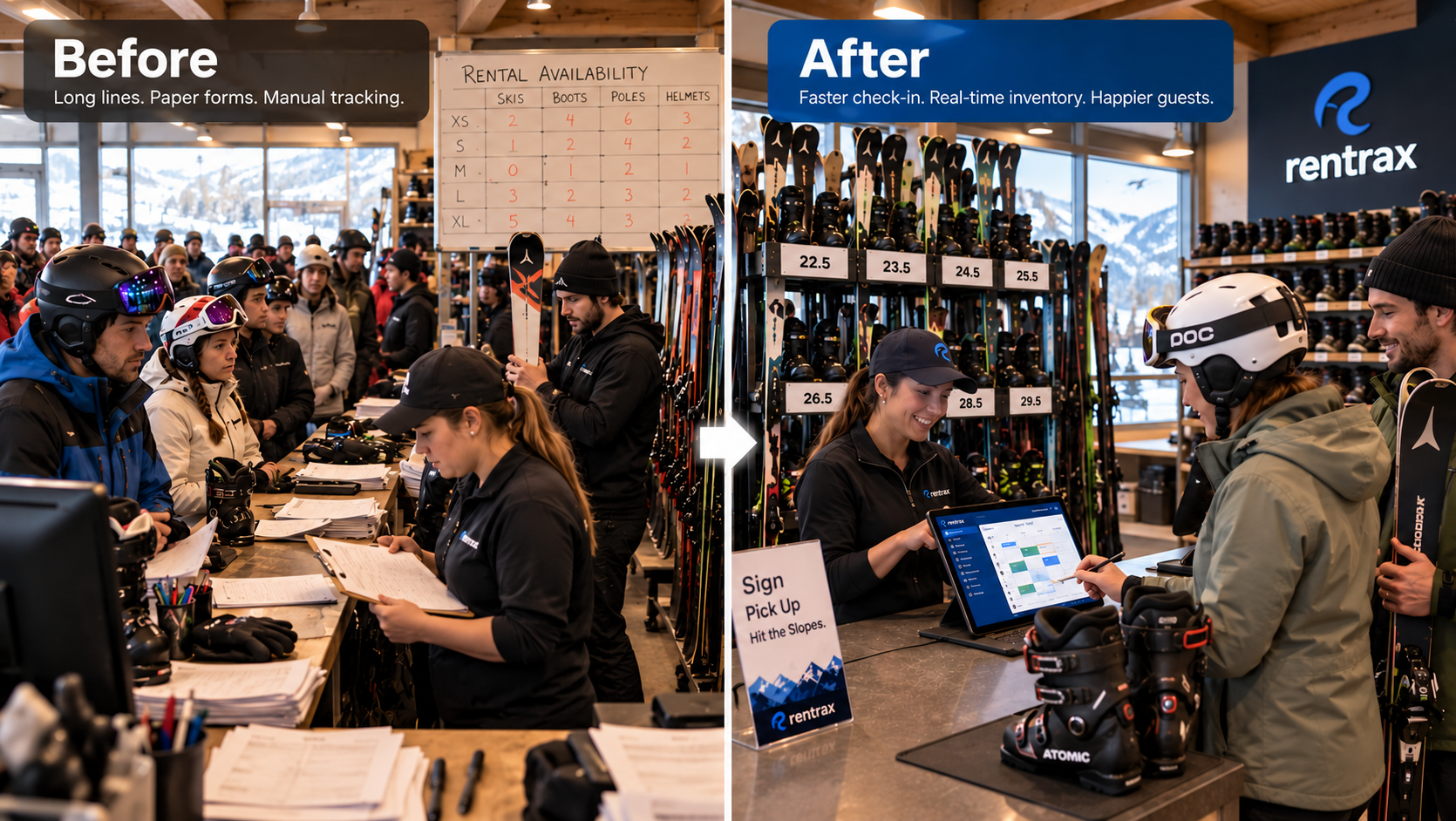
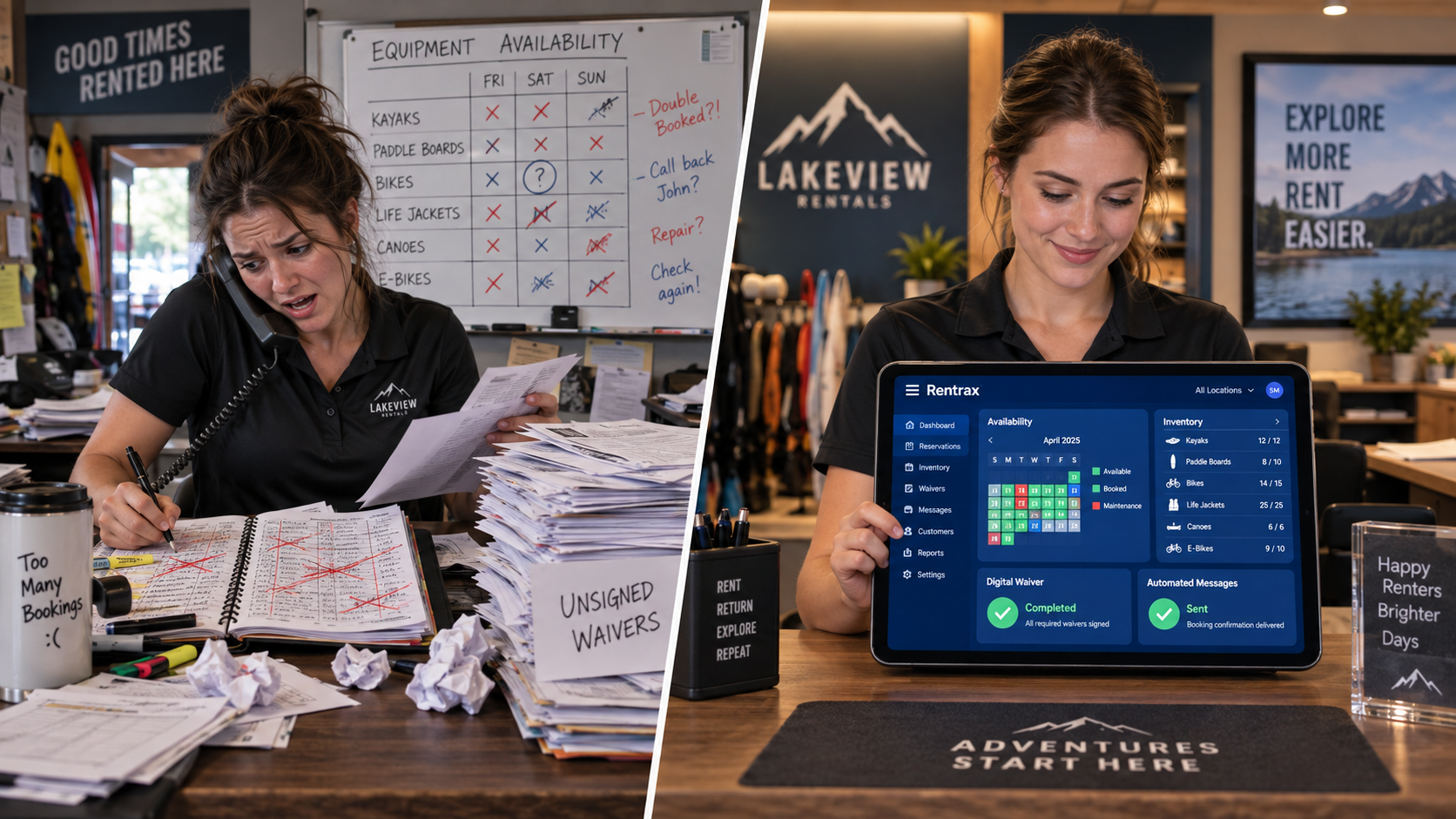
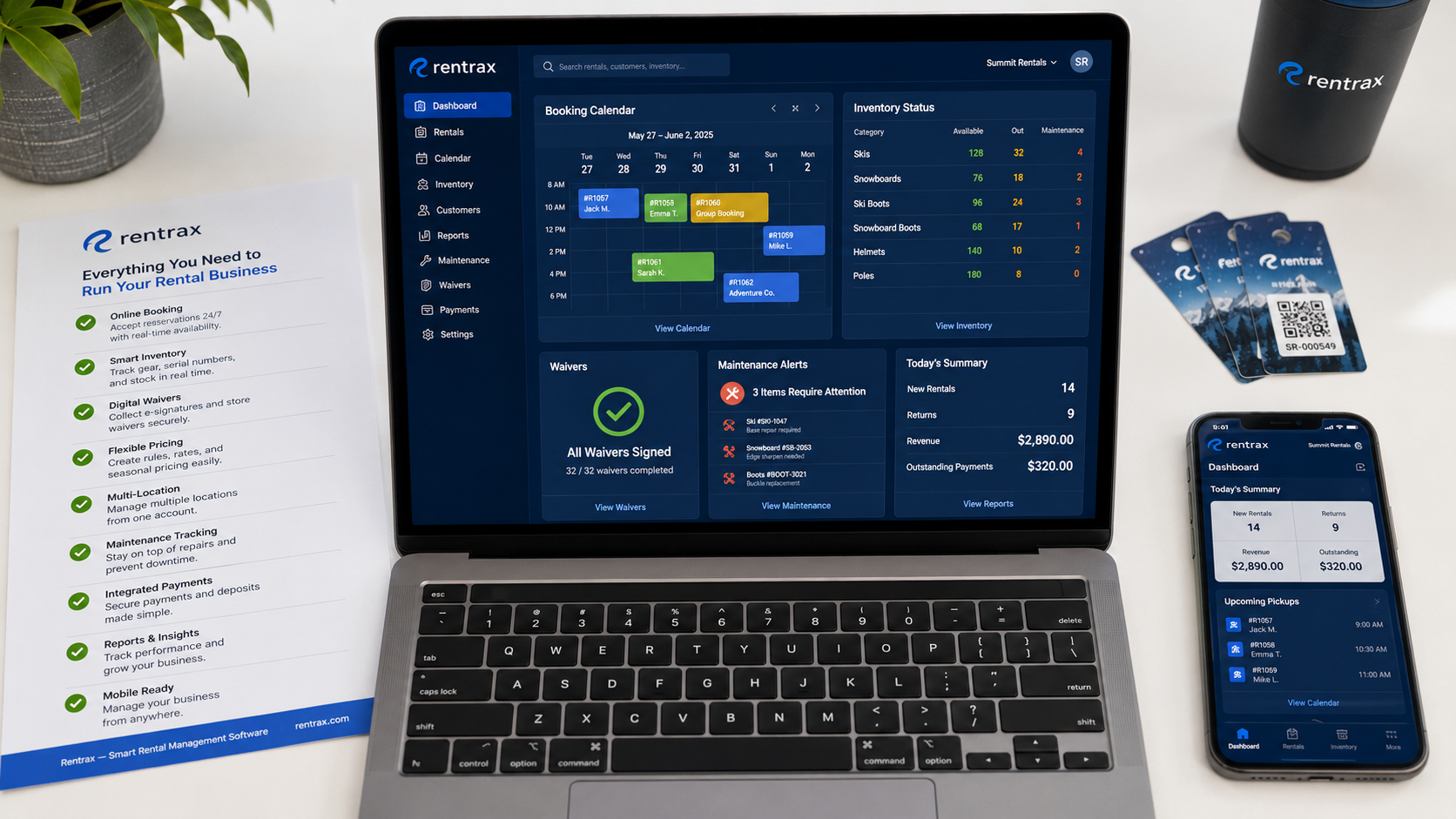
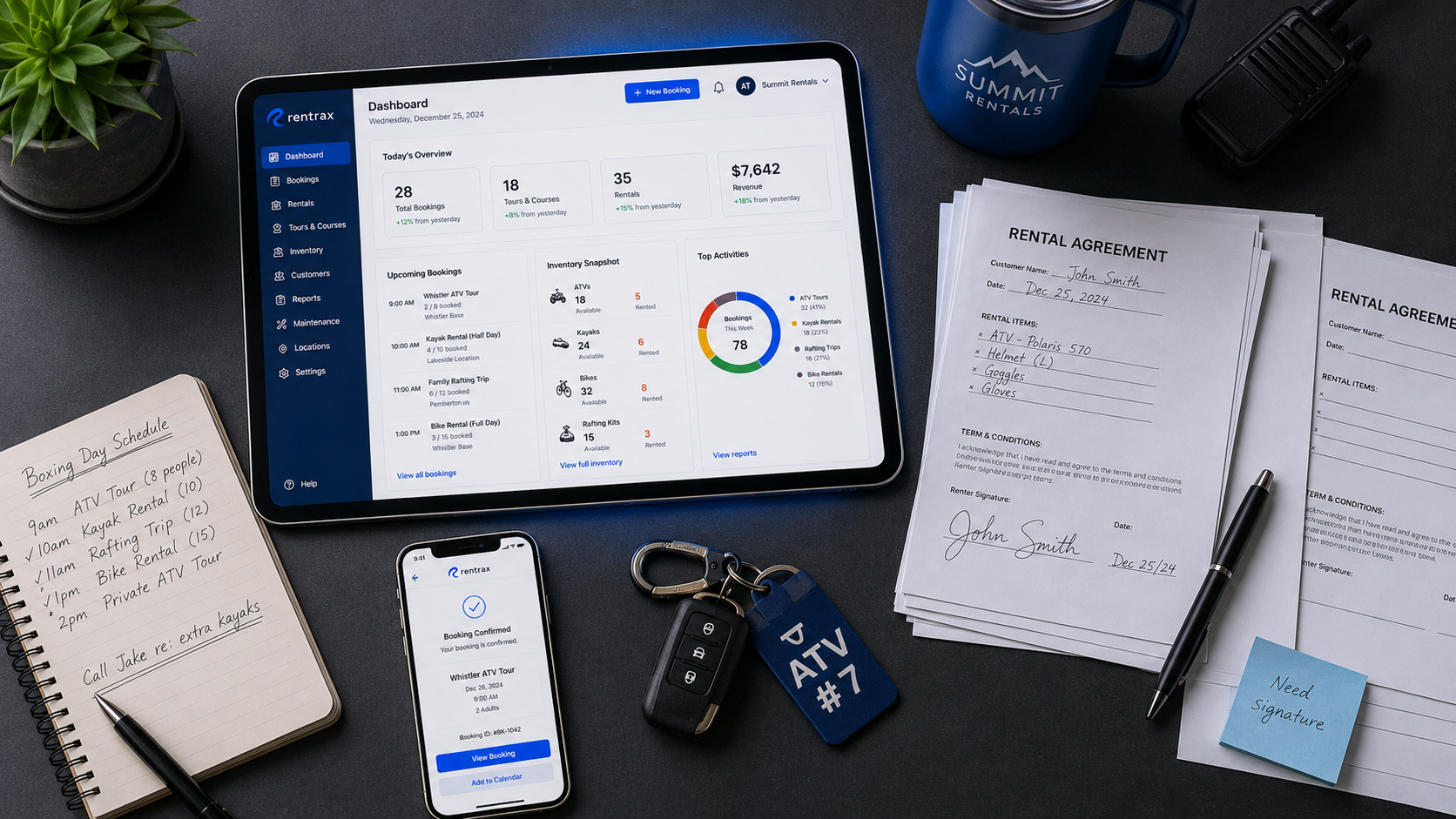
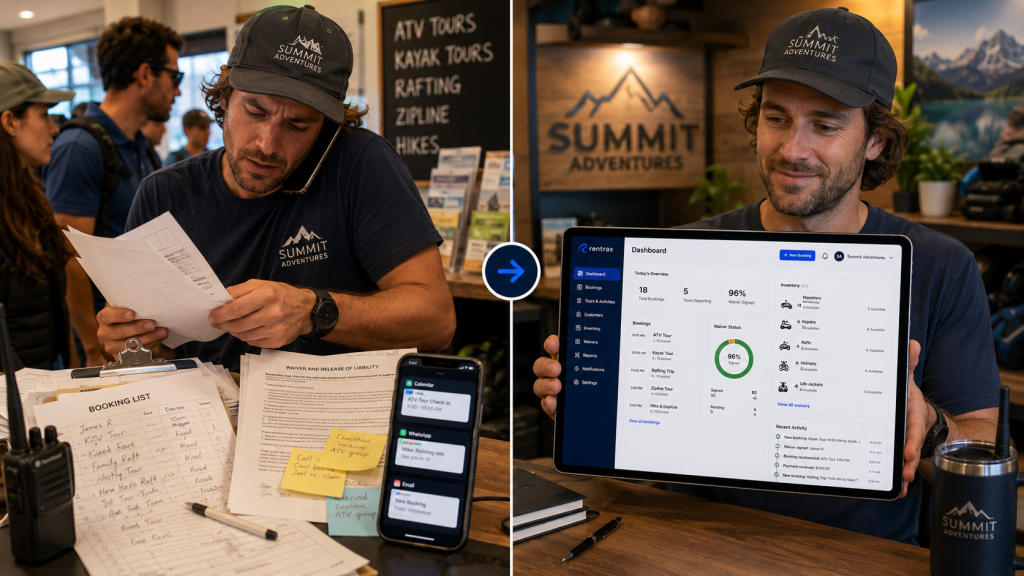
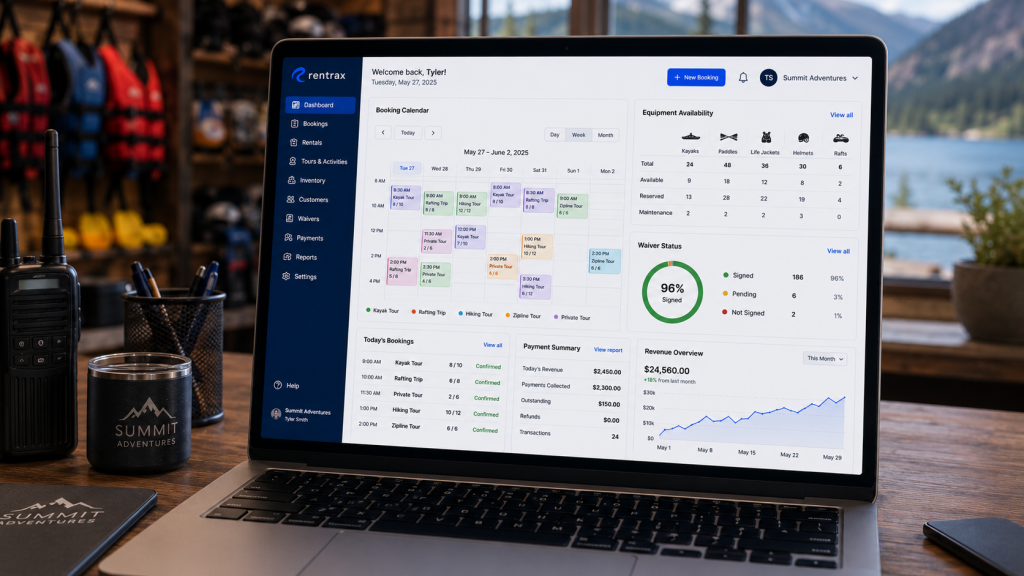
The fix for fragmented operations is a unified dashboard. Instead of jumping between separate tools for reservations, inventory tracking, and payment processing, Rentrax syncs everything in real time. When a customer books online, the availability calendar updates automatically across all locations.
For tour operators, Rentrax handles the full booking lifecycle — from scheduling guides and allocating equipment to sending automated reminders and managing group check-ins. Furthermore, event rental businesses get flexible order forms that support deposits, delivery options, custom fees, and add-ons.
Rentrax processes over 20,000 transactions daily, with businesses reporting a 67 percent reduction in booking time and 20 percent lower operational costs. Over 6,000 businesses in 20+ countries trust Rentrax to manage their operations.
Rentrax Key Features
- Multiple order forms: Accept bookings online, in-person, by phone, or through your backend — all synced in real time so you never oversell inventory
- Tour and activity management: Schedule tours, allocate equipment, assign staff, and manage participant check-ins from one dashboard
- Integrated digital waivers: Collect e-signatures before the rental begins, eliminating paper forms and third-party waiver tools
- Multi-location dashboard: Manage separate inventories, teams, and pricing across multiple sites under a single account
- Maintenance scheduling: Track equipment usage, schedule repairs, and receive automated alerts before problems happen
- Mobile app: Manage bookings, inventory, and customer check-ins from your phone wherever you are
Pros
+ Unifies bookings, inventory, payments, tours, and staff management in one platform
+ Built-in digital waivers and signature collection without third-party tools
+ Supports both rental businesses and tour operators with dedicated features for each
Cons
– Initial setup may take time for businesses with complex multi-location inventories
– Some integrations require configuration with support assistance
- Checkfront: Handles Mixed Inventory for Tours, Rentals, and Accommodations
Checkfront is a Canadian platform that works for operators offering a mix of product types. If you run tours alongside equipment rentals or accommodations, Checkfront’s flexible inventory management handles different booking structures in one system.
The platform includes built-in waivers, automated emails, and channel management for OTA distribution through GetYourGuide and similar marketplaces. Staff can take bookings directly through the platform, and the daily manifest shows who is showing up and when.
Checkfront Key Features
- Flexible inventory types: Manage tours, rentals, accommodations, or combinations under one account
- Channel management: Connect to OTAs like GetYourGuide for broader distribution
- Built-in waivers: Collect digital signatures as part of the booking flow
Pros
+ Supports multiple product types in one platform
+ Includes OTA integrations for broader distribution
+ Built-in waiver collection without extra tools
Cons
– Interface can feel complex for operators with straightforward inventory needs
– Limited tour-specific features compared to dedicated tour management platforms
– Reporting capabilities are less detailed for multi-location operations
- FareHarbor: Online Ticketing with OTA Distribution Focus
FareHarbor targets tour and activity operators who want online ticketing and connections to distribution networks. Owned by Booking Holdings, FareHarbor connects operators to Booking.com’s audience and handles online ticket sales with QR code scanning for check-in.
The platform includes crew assignment features, automated emails to staff, and a mobile app for offline check-ins. FareHarbor charges per-booking fees rather than monthly subscriptions, which operators typically pass on to customers.
FareHarbor Key Features
- Distribution network: Connects to Booking.com and other OTAs for broader reach
- Mobile check-in: Scan QR tickets offline through the mobile app
- Crew assignment: Assign staff roles and send automatic schedule notifications
Pros
+ No monthly subscription fee
+ Includes mobile app with offline ticket scanning
+ Connects to major OTA distribution channels
Cons
– Per-booking fees add up at higher volumes
– Focused on tours and tickets rather than equipment rental operations
– Limited inventory management for physical rental items
- Peek Pro: Marketing Automation for US Activity Operators
Peek Pro focuses on the US market with features around upselling, abandoned booking recovery, and dynamic pricing. The platform includes marketing automation tools like email capture and partnerships with Google Things to Do for local search visibility.
The point-of-sale system handles walk-up sales, and operators can process activities, tours, and add-ons in seconds. Peek Pro reports that operators see an average 30 percent increase in revenue through its conversion optimization features.
Peek Pro Key Features
- Abandoned booking recovery: Automatically sends emails to customers who started but did not complete bookings
- Dynamic pricing: Adjusts rates based on demand and seasonal patterns
- Point-of-sale system: Processes walk-up sales and add-ons quickly
Pros
+ Includes marketing automation and conversion tools
+ Dynamic pricing adjusts to demand automatically
+ Google Things to Do integration for local visibility
Cons
– US market focus limits relevance for international operators
– Less suited for equipment-heavy rental operations
– Per-booking fees apply on some plan tiers
- Booqable: Equipment Rental Inventory Tracking with Barcode Support
Booqable focuses on equipment rental businesses that need detailed inventory tracking. The platform supports barcode and QR code scanning for fast check-ins and check-outs, and tracks individual items separately from bulk inventory.
Rental businesses can set buffer time between bookings for cleaning or transport, and the availability calendar syncs with Google or Apple Calendar. Booqable’s website builder includes 60+ industry-specific themes for rental businesses.
Booqable Key Features
- Barcode scanning: Use scanners or the mobile app to speed up warehouse operations
- Stock tracking: Track individual items and bulk inventory separately
- Buffer time: Add prep time between rentals for cleaning, setup, or transport
Pros
+ Detailed inventory tracking with barcode support
+ Website builder with rental-specific templates
+ Buffer time prevents back-to-back booking conflicts
Cons
– Lacks tour management features for activity operators
– No built-in staff scheduling or guide assignment
– OTA integrations not included
- Goodshuffle Pro: Event Rental Quoting and Dispatch Management
Goodshuffle Pro targets event rental companies that need quoting, contracts, and dispatch coordination. The drag-and-drop dispatch interface helps coordinate deliveries and adjust routes when plans change.
The platform includes a CRM for storing client documents and communication history, and connects inventory to your website for online booking. Goodshuffle Pro is used by event companies handling tents, tables, chairs, A/V equipment, and party supplies.
Goodshuffle Pro Key Features
- Dispatch planning: Drag-and-drop interface for coordinating deliveries and pickups
- Quotes and contracts: Generate proposals, collect e-signatures, and process payments
- Website integration: Connect inventory to your site for online bookings
Pros
+ Dispatch tools built for event logistics
+ Quote-to-contract workflow in one platform
+ CRM stores client history and documents
Cons
– Not designed for tour operator workflows
– Lacks guide scheduling and activity management
– Event-focused rather than general rental operations
| Platform | Tour Management | Built-in Waivers | Multi-Location |
|---|---|---|---|
| Rentrax | YES | YES | YES |
| Checkfront | Limited | YES | YES |
| FareHarbor | YES | NO | Limited |
| Peek Pro | YES | NO | YES |
| Booqable | NO | YES | YES |
| Goodshuffle Pro | NO | YES | Limited |
What Features Should Tour Operators Prioritize in Booking Software?
Tour operators face scheduling challenges that general booking tools do not address. Therefore, you need software that handles guide assignments, equipment allocation per tour, and participant management — not just calendar slots.
Look for platforms that let you send automated reminders to both staff and customers before each tour. The ability to manage group check-ins and collect renter information like experience levels or physical requirements saves time on the day of the activity.
Real-time inventory updates matter most when equipment is shared across tours. If three tours use the same kayaks, you need automatic availability adjustments as bookings come in. Rentrax connects bookings, inventory, and tour scheduling so you are not reconciling spreadsheets manually.
How Do Event Rental Businesses Benefit from Unified Booking Systems?
Event rental operations involve quotes, contracts, deposits, delivery logistics, and returns — all on shifting timelines. A unified system keeps everything connected so changes in one area ripple through automatically.
When a customer adds items to their order, the deposit amount should update. When delivery dates shift, the availability calendar should reflect it. Without this connection, you are updating multiple systems and risking errors.
Rentrax gives event rental businesses flexible order forms that handle deposits, delivery options, and custom fees in one place. Furthermore, the maintenance scheduling feature tracks equipment condition, so you know what is ready to rent and what needs attention before the next event.
Why Rentrax Is the Top Online Booking Tool for Tour and Event Rentals
Most booking tools force you to choose between tour management and rental operations. As a result, Rentrax stands out by handling both in a unified platform built by someone who actually ran a rental business.
The difference shows up in the details: Rentrax syncs orders across online, in-person, and phone channels in real time. The integrated waiver system collects signatures digitally without third-party tools. The multi-location dashboard lets you manage separate inventories and teams under one account.
With over 6,000 businesses using the platform across 20+ countries, Rentrax has a track record of helping operators save time and reduce costs. Businesses report 67 percent faster booking times and 20 percent lower operational costs after switching to Rentrax.
If you are running a tour operation, event rental company, or a business that does both, schedule a demo with Rentrax to see how unified booking and inventory management works in practice — or compare plans on the pricing page.
Frequently Asked Questions
-
What is the difference between booking software and reservation management?
Booking software handles the customer-facing part -- accepting online reservations and processing payments. Reservation management includes the backend operations like inventory tracking, staff scheduling, and order fulfillment. Rentrax combines both in one platform, so bookings automatically update inventory and trigger operational workflows without manual steps in between.
-
Can I use the same booking tool for tours and equipment rentals?
Some platforms specialize in one or the other, but Rentrax handles both tour management and equipment rentals from a single dashboard. You can schedule guides, allocate gear per tour, and manage standalone equipment rentals all in one system. This matters particularly if your business offers tours alongside rental inventory.
-
How do online booking tools prevent double-bookings?
Real-time availability updates are the key. When a customer books online, the inventory count adjusts immediately. Rentrax syncs availability across all booking channels -- online, in-person, and phone -- so your team always sees accurate stock levels. This prevents selling the same kayak, tent, or tour slot to two customers on the same date.
-
What payment options should booking software support?
Look for platforms that accept credit cards, deposits, partial payments, and external payment methods like cash. Rentrax integrates with payment processors like Stripe and Square, and supports flexible deposit structures for event rentals where full payment comes after the event. See payment options on the pricing page.
-
Do I need separate software for waivers and contracts?
Not with Rentrax. The platform includes integrated digital waivers with e-signature collection, so customers can sign before their rental or tour begins. This eliminates paper forms and removes the need for third-party waiver tools like DocuSign, keeping everything connected to the original booking record.